Management API
Jitsu exposes an HTTP API for managing workspaces, sites, destinations, connections, syncs and functions. The Jitsu UI is a client of this same API.
Examples below reference use.jitsu.com, the Jitsu Cloud instance. If you
self-host Jitsu, replace it with your own host.
The full reference is generated from the OpenAPI spec and is listed in the sidebar under each resource — start with Workspace or Configuration.
Authentication
All endpoints require an Authorization header with a personal API key:
Authorization: Bearer <api-key>Generate keys in the Jitsu UI on the user settings page.
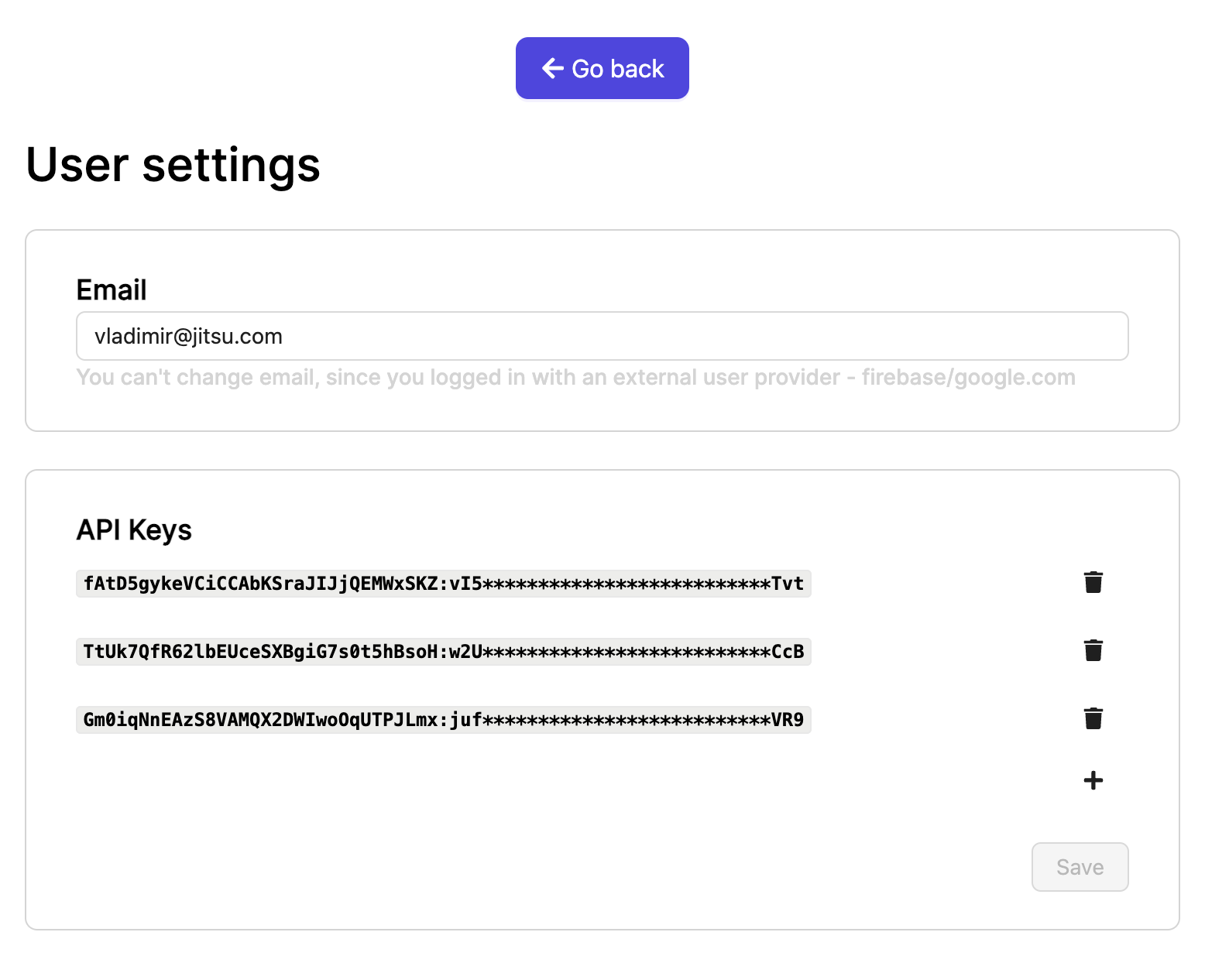
API keys have the format {keyId}:{keySecret}. The secret is only shown once at
creation — copy it then.
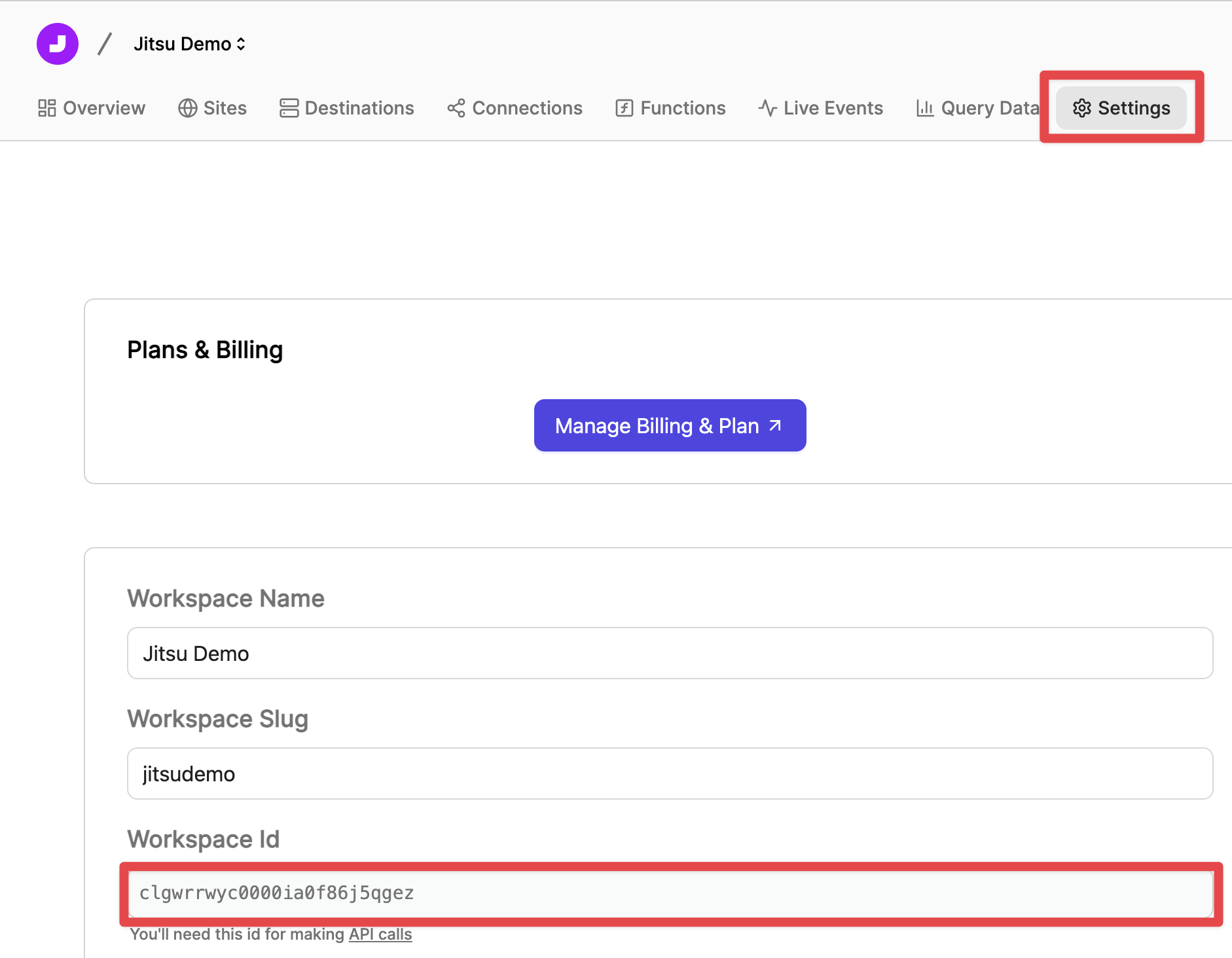
You'll also need your workspaceId, visible on the workspace settings page:
CLI
Most things you can do over HTTP can also be done with jitsu-cli,
which calls this API under the hood. Quick start:
npm i -g jitsu-cli
jitsu-cli login
jitsu-cli config destinations list -w my-workspace
Cascade delete
When deleting an entity that other entities reference (Connections or Syncs), two query parameters control behaviour:
strict(defaultfalse) — iftrue, refuses to delete an entity that is referenced elsewhere.cascade(defaultfalse) — iftrue, also deletes the referencing entities. Use with caution.